Liveness Detection
Liveness Detection is a simplified flow that performs only facial verification with liveness detection, without the need for document capture.
To learn how to implement liveness, see the IFrame section.
How it Works
1. Process Start
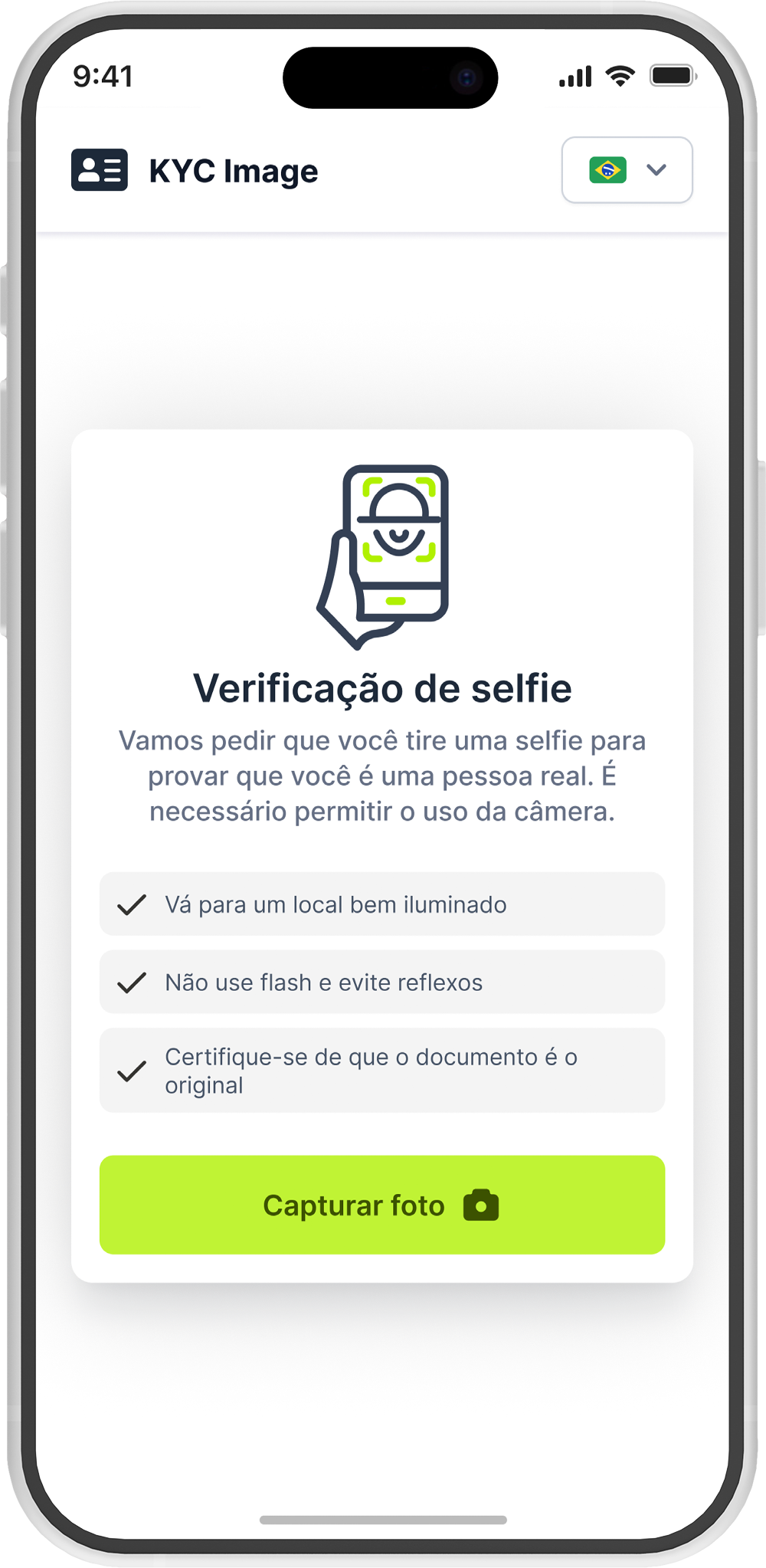
The user starts the liveness detection process. The application requests permission to access the camera.
2. Selfie Capture
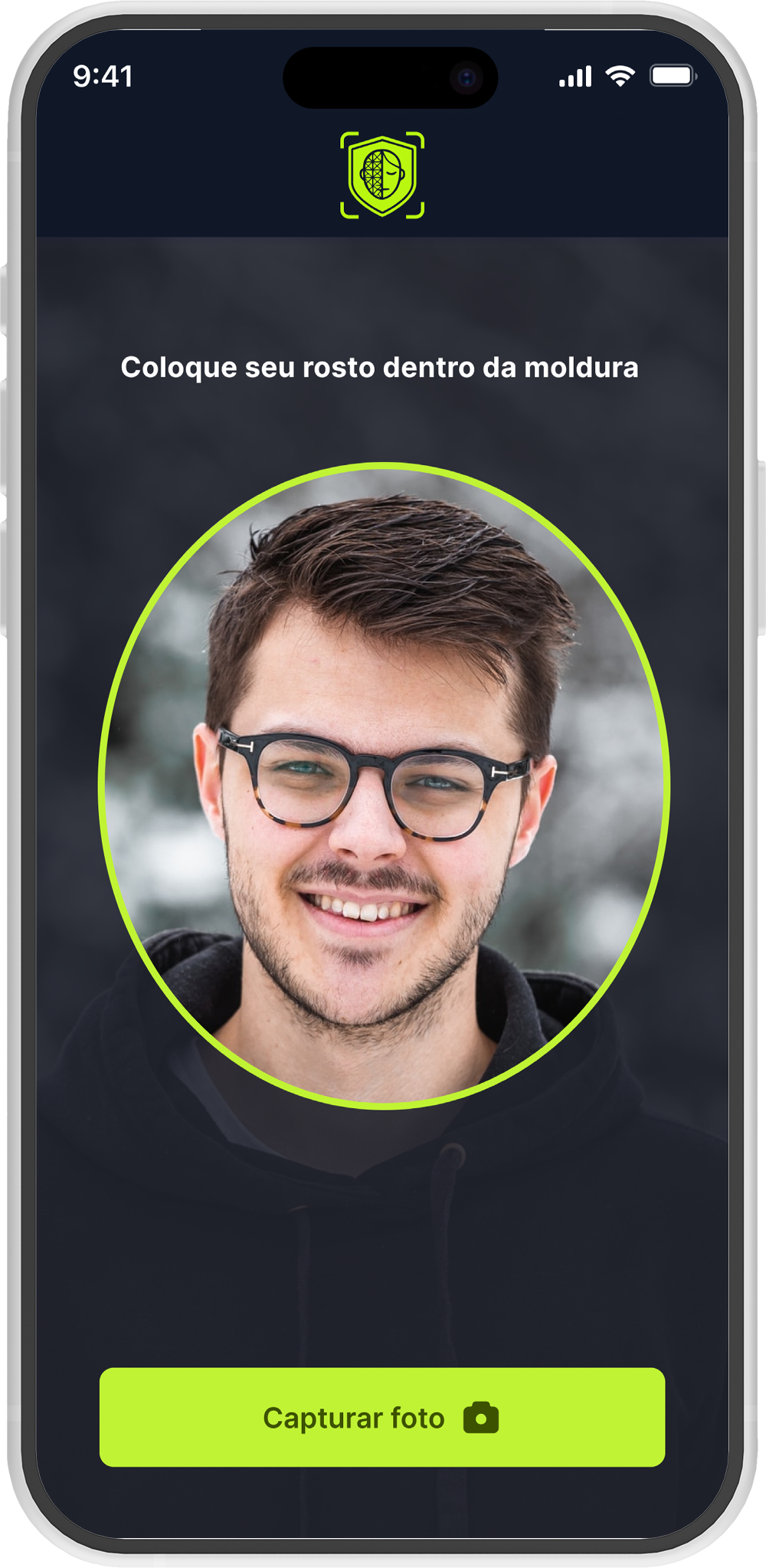
The user is instructed to position their face within the indicated area to capture the selfie and perform liveness validation.
3. Liveness Analysis
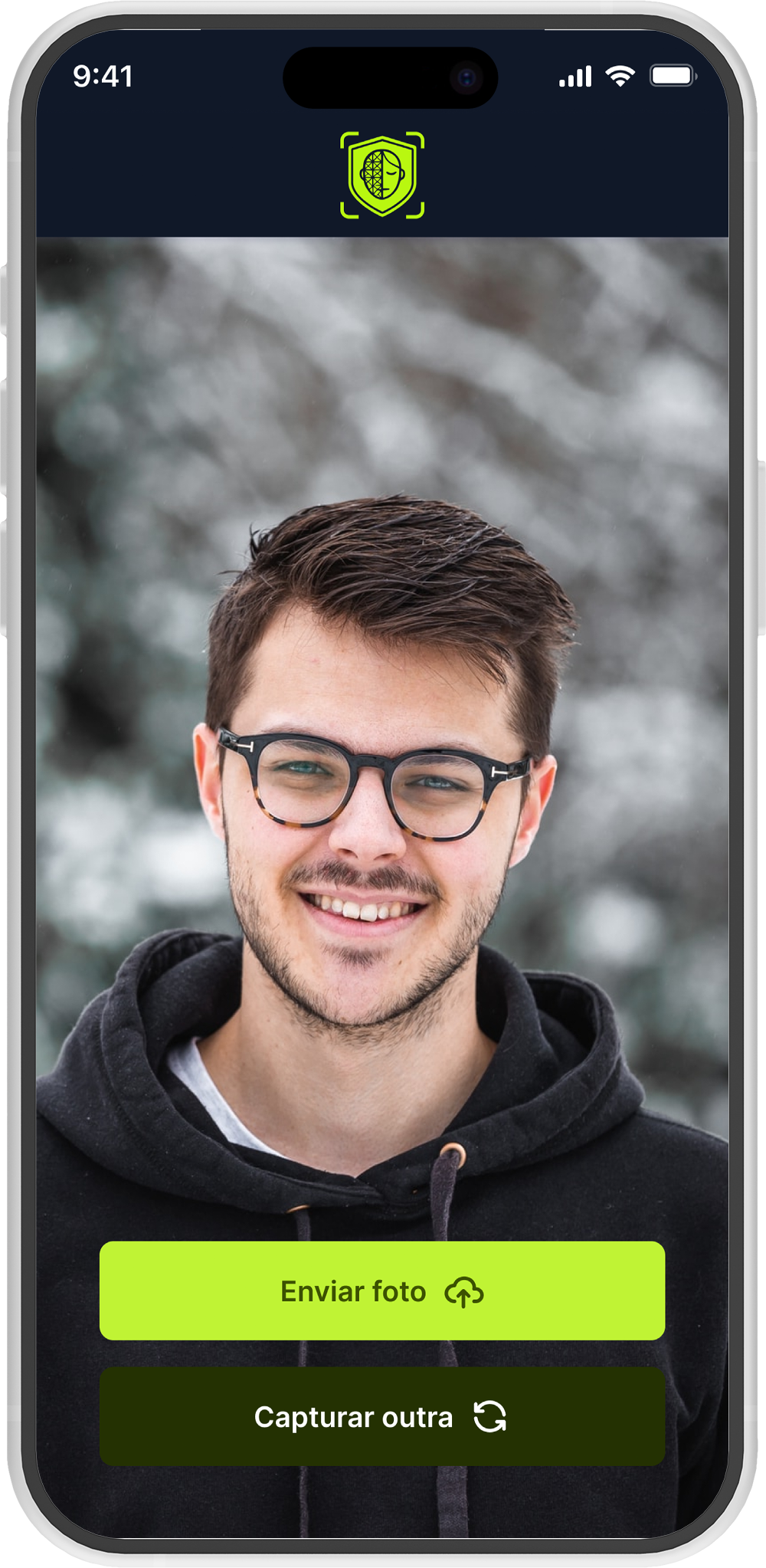
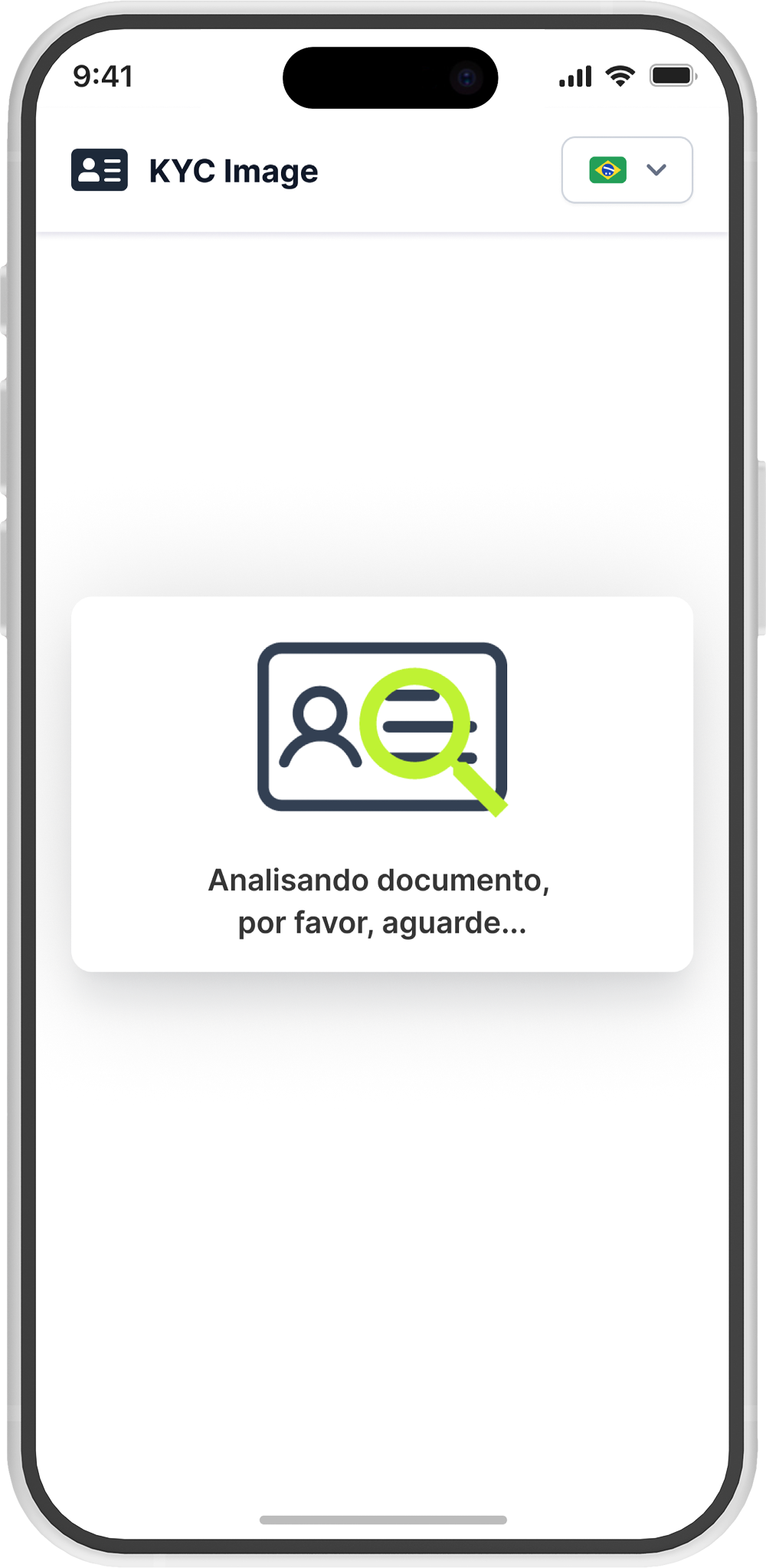
After the selfie is submitted, an analysis is performed to validate that the image was captured from a real person (proof of life).
4. Verification Result
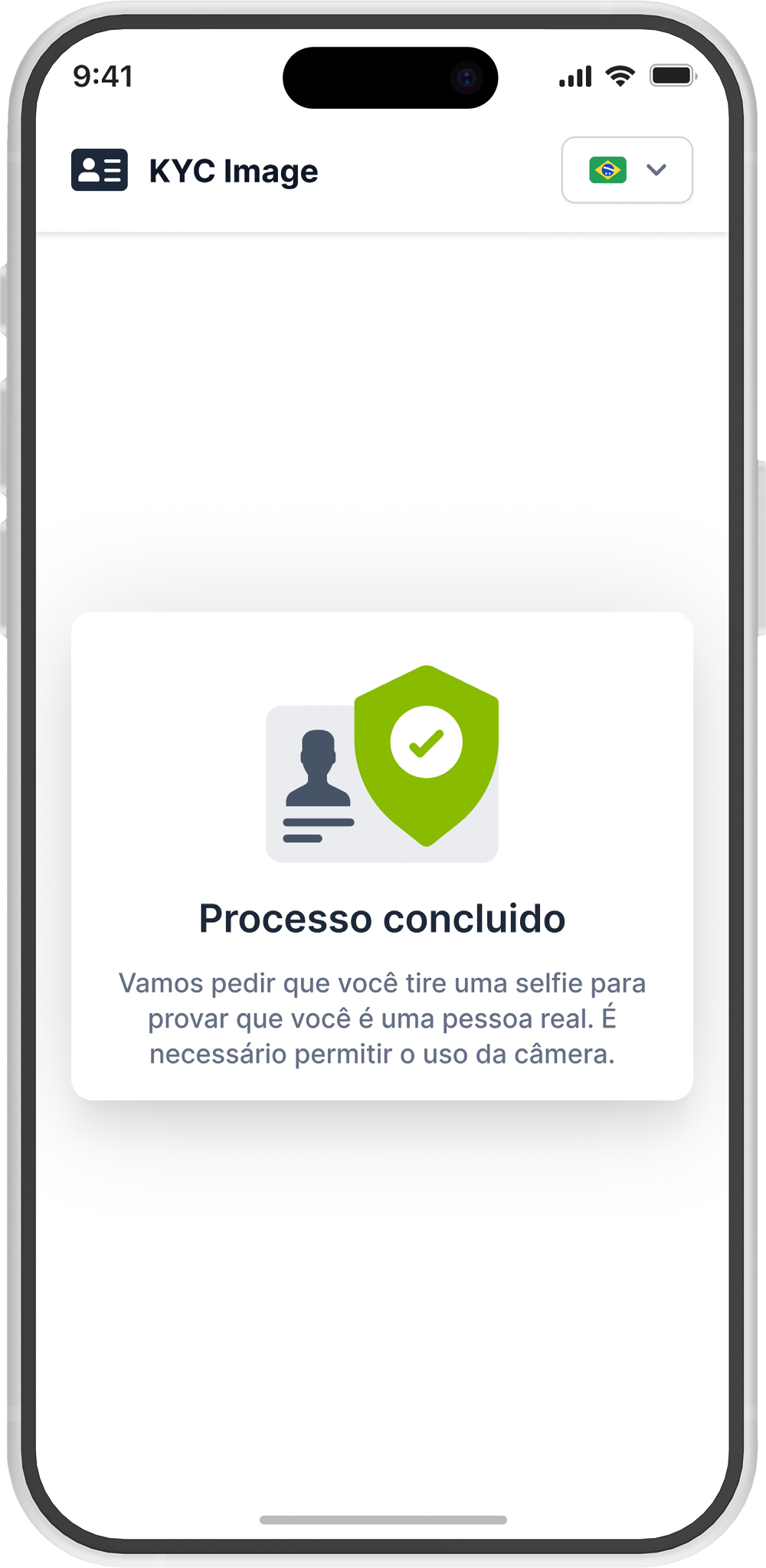
Approved
If the person is correctly recognized and passes the liveness validation, the process is completed successfully.
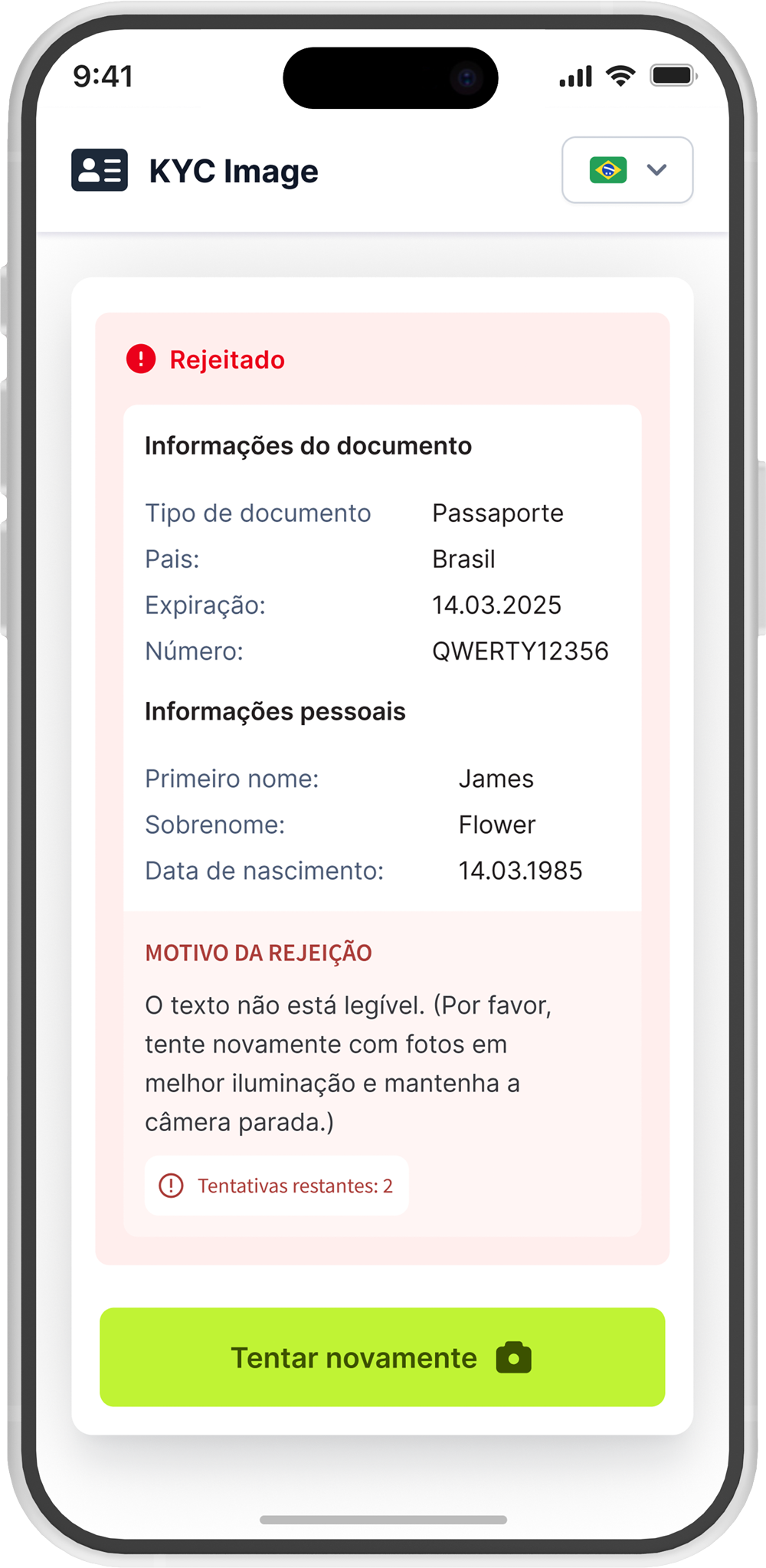
Rejected
If the validation is unsuccessful, the process will be rejected and the user will be notified.